Conversion Funnel Content Guide for Better Leads
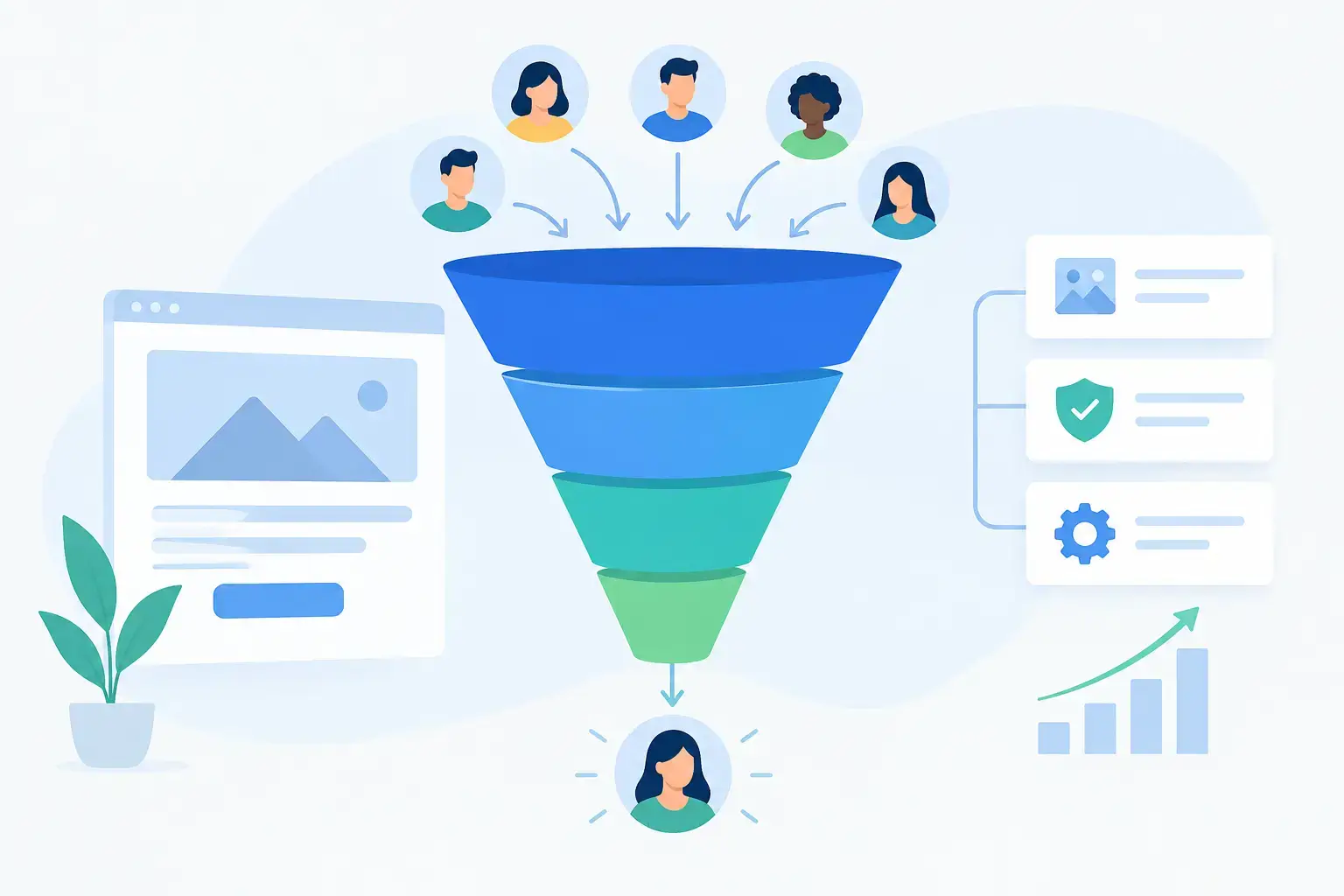
A website can look polished and still fail to produce qualified inquiries. The usual problem is not a lack of pages. It is that the pages do not give prospective customers the information, reassurance, and next step they need at each stage of a decision. This conversion funnel content guide explains how to organize website content around the way serious buyers actually evaluate a business.
For established companies, a funnel is not a rigid marketing diagram. It is a practical way to identify friction. A prospect may arrive because they need a service, compare you with several providers, review your credentials, and then decide whether contacting you feels worthwhile. Your website needs to support all of those moments.
Start With the Buyer, Not the Page List
Too many website projects begin with a familiar list: Home, About, Services, Blog, Contact. Those pages may be necessary, but navigation is not strategy. The better question is: what does a buyer need to understand before they are ready to talk?
For a B2B technology firm, that may include integration requirements, implementation process, security expectations, and who will manage the account after launch. For a specialty healthcare practice, it may include physician credentials, treatment options, patient concerns, and what happens during an appointment. For a construction company, buyers often need proof of relevant project experience, a clear process, and confidence that the firm can communicate and execute reliably.
Map content to those questions before deciding how many pages to build. This makes the site more useful and prevents a common failure of template-driven websites: every business gets the same page structure even when buyers have very different concerns.
The Conversion Funnel Content Guide: Four Jobs Your Content Must Do
A strong website does not force every visitor through the same path. Some people are ready to request a proposal. Others are just beginning to evaluate options. Content should meet both groups without burying the most valuable information under vague brand language.
1. Create recognition at the top of the funnel
Early-stage visitors need to see themselves in the problem you describe. They may not know your company, your terminology, or the full scope of the solution. The homepage, key service pages, industry pages, and educational articles often do the most work here.
Lead with a clear statement of what you do, for whom, and why that work matters. “We provide comprehensive solutions” says almost nothing. “Custom website design and ongoing maintenance for businesses that have outgrown generic, neglected websites” gives the visitor a useful frame immediately.
This stage benefits from plain language, relevant examples, and content that addresses common business problems. A company with a slow, dated website is not necessarily looking for a “digital transformation.” It may simply need a site that reflects the quality of its work, loads reliably, and makes it easy for prospects to get in touch.
Do not mistake broad traffic for meaningful interest. A page designed for every possible visitor often persuades none of them. It is better to be specific about the types of businesses, challenges, and services you are equipped to support.
2. Help prospects compare options in the middle of the funnel
Once visitors recognize a need, they begin comparing approaches. This is where many websites become thin. They repeat marketing claims but avoid the practical questions that determine a purchase: What is included? What does the process look like? What are the trade-offs? Why is one option a better fit than another?
Service pages should go beyond a short description and a contact button. Explain the work, the business value, the decisions involved, and the expected role of the client. A custom website project, for example, should explain why strategy, content, structure, and design need to work together. Strong marketing cannot save a weak website with confusing navigation, generic positioning, or no clear path to contact.
Comparison content can be especially useful here when it is honest. A template may be a reasonable choice for a new business with a limited budget and straightforward needs. It becomes less attractive when the company needs a distinctive brand presence, complex content structure, integrations, accessibility attention, or room to evolve.
The same applies to platform decisions. WordPress is often a sensible choice for marketing-focused sites that need flexible editing and broad support. Drupal can be a better fit for organizations with more complex content governance, permissions, workflows, or structured information. The correct choice depends on the organization, not on which platform is currently fashionable.
3. Reduce risk near the decision point
By the time a prospect reaches a contact page, pricing discussion, project process page, or detailed service page, the core question is usually risk. Can this company do the work? Will the process be organized? What happens after launch? Will we be left with a website no one can maintain?
Content at this stage should be concrete. Describe your process, scope boundaries, communication approach, maintenance responsibilities, and the types of problems you are prepared to solve. Credentials, team expertise, relevant work examples, and clear explanations of support can all help, provided they are specific and accurate.
For website projects, post-launch support deserves more attention than it usually gets. A launch is not the end of a website's useful life. Software updates, security monitoring, backups, performance checks, content changes, and ongoing improvements are operational needs. A business that treats its site as a one-time purchase often ends up with the same problem again a few years later: an outdated site that no longer reflects the business.
That is why maintenance content can be part of conversion content. It reassures decision-makers that there is an accountable plan after the initial build. It also gives existing customers a reason to continue improving instead of waiting until a full rebuild becomes unavoidable.
4. Make the next step easy and appropriate
A call to action should match the page and the visitor's level of readiness. Someone reading a detailed website maintenance page may be ready to request help. Someone reading an early-stage article about redesign planning may prefer to review services or see how a project works first.
The best calls to action are clear, modest, and connected to the page. “Request a website consultation,” “Discuss a maintenance plan,” or “Tell us about your current site” are more useful than a generic “Learn More.” Avoid giving every page five competing options. One primary next step, supported by an easy-to-find contact path, usually creates less friction.
Forms also matter. Ask for enough information to route the inquiry, but do not turn an initial conversation into an application. For higher-value professional services, fields such as company name, website, project needs, and timeline can be useful. Requiring excessive detail before someone can ask a question can discourage legitimate prospects.
Build Content Paths, Not Isolated Pages
Good funnel content works as a connected system. A homepage may introduce a service, point to a detailed service page, and direct visitors to supporting proof or process information. The service page should then offer a logical next action instead of ending at the bottom with a generic button.
Consider a business evaluating a redesign. It may begin on the homepage, move to custom web design, read about the redesign process, review maintenance options, and then contact the agency. Another visitor may land directly on a maintenance page because the site is slow, unsecure, or unsupported. That visitor needs a credible route to help without being forced through a redesign sales pitch.
This is where internal structure and navigation matter. Important conversion pages should be easy to find, but the page itself must also provide context. Do not assume visitors entered through the homepage. Search, referrals, email, and bookmarked pages all produce different entry points.
Use Evidence Without Turning the Site Into a Sales Deck
Buyers need proof, but proof does not always mean a long list of logos or dramatic claims. Clear examples of work, process explanations, relevant credentials, detailed service scope, and accurate case material can all support credibility.
The strongest proof answers a question the buyer already has. Does this firm understand organizations like mine? Can it handle a complex migration? Does it have a plan for accessibility, performance, security, or ongoing updates? Is there a real person accountable when something goes wrong?
Avoid vague claims such as “best-in-class” or “results-driven” unless the surrounding content explains what they mean. Specificity is more persuasive than volume. A concise explanation of how a maintenance plan handles updates, backups, security, hosting, and performance is more useful than a paragraph promising peace of mind.
Measure Friction and Improve the Funnel Over Time
A conversion funnel is not finished when the website launches. Review how visitors move through key pages, where form submissions originate, which calls generate qualified conversations, and where people abandon a process. Analytics, call tracking, form tracking, heatmaps, and direct feedback from sales teams can reveal different kinds of friction.
Numbers need interpretation. A high-traffic article with few inquiries may be doing its job if it introduces your company to the right audience and leads visitors into service content. A low-traffic service page may be highly valuable if it consistently supports qualified leads. Look at quality, not just volume.
When a page underperforms, do not assume it needs more keywords or a complete redesign. The problem may be unclear positioning, weak proof, a buried next step, slow page performance, outdated information, or a mismatch between the page and the traffic source. Incremental improvements often make more sense than restarting from scratch.
A better website is built through deliberate decisions and maintained through regular attention. Give buyers useful answers before they ask for a meeting, make the next step feel reasonable, and keep improving the pages that matter most. That is how content becomes part of a website that earns trust and supports better business conversations.

