Website Accessibility Audit Service That Drives Trust
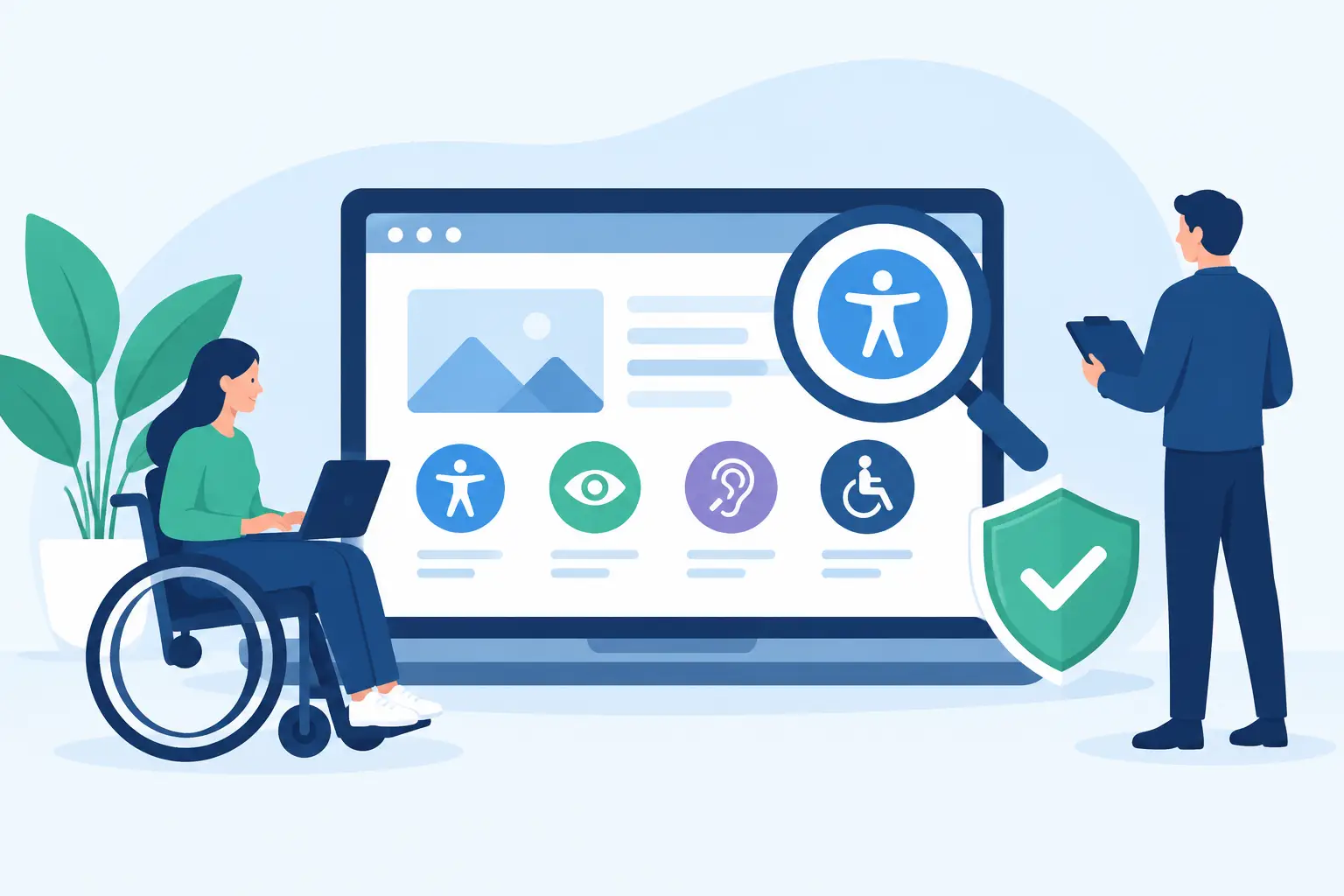
A website accessibility audit service is not a compliance formality or a legal scare tactic. It is a clear-eyed review of whether real people can find, understand, and use your website. When a visitor cannot navigate a menu by keyboard, read low-contrast text, complete a quote form, or understand a video without sound, the business loses more than a technical point. It loses trust, leads, and credibility.
For established businesses, accessibility belongs in the same conversation as conversion, search visibility, brand standards, and website performance. A polished website that excludes part of its audience is not finished. Strong marketing cannot save a weak website, and a visually impressive site cannot perform at its best if fundamental interactions fail customers.
What a Website Accessibility Audit Service Actually Reveals
An accessibility audit identifies barriers that can prevent people with disabilities from using a website effectively. The review typically evaluates the site against the Web Content Accessibility Guidelines, commonly called WCAG, while also looking at how accessibility issues affect the way customers experience your brand.
Automated scanning tools have a role, but they are only a starting point. They can identify many code-level issues, such as missing form labels, empty buttons, invalid heading structures, or images without alternative text. They cannot reliably determine whether a page makes sense when read by a screen reader, whether keyboard focus moves in a logical order, or whether a customer can complete a complex workflow without getting stuck.
That is where a serious audit earns its value. It combines automated findings with expert manual testing and a business-level assessment of the pages that matter most. A low-priority issue on an archived blog post does not carry the same weight as a barrier on a service page, appointment scheduler, payment portal, or lead form.
A useful audit should answer practical questions:
- Can people navigate key pages and interactive elements using only a keyboard?
- Do headings, links, buttons, forms, and error messages communicate meaning clearly?
- Can visitors perceive content with limited vision, hearing, mobility, or cognitive capacity?
- Are your most valuable conversion paths usable on mobile devices and assistive technology?
The goal is not a long spreadsheet of defects handed to an already busy marketing team. The goal is a prioritized plan that shows what needs to change, why it matters, who owns the work, and how the improvements will be verified.
Why Accessibility Is a Business Performance Issue
Accessibility is often discussed as a legal requirement. That risk is real, particularly for organizations serving the public, but legal exposure is only one reason to act. The broader issue is whether your digital presence reflects the standard of service your business claims to provide.
A professional firm may spend heavily on reputation, branding, and customer care, then make its contact form impossible to use with a keyboard. A local service business may invest in paid search only to send visitors to a mobile page with weak contrast, unclear buttons, and confusing form errors. Those gaps create friction at the exact moment a prospective customer is deciding whether to trust you.
Accessibility improvements often overlap with good conversion design. Clear labels help screen-reader users and reduce form abandonment. Meaningful headings help visitors scan pages and help search engines understand content hierarchy. Larger tap targets help people with motor limitations and make mobile use less frustrating for everyone. Captions support viewers who are deaf or hard of hearing, as well as people watching video in an office, airport, or waiting room.
That overlap does not mean accessibility is simply an SEO tactic. It deserves its own standards and care. But when a website is designed with clarity and usability in mind, the commercial upside is difficult to ignore.
What Should Be Included in an Accessibility Audit
The scope depends on the size and complexity of the site. A five-page brochure site requires a different approach than a large WordPress or Drupal website with hundreds of pages, custom calculators, location content, portals, ecommerce functions, and third-party integrations.
A credible audit begins with an inventory of templates, primary user journeys, and high-value pages. Testing every page on a large site is not always the best use of budget. Testing representative templates and every critical interaction usually reveals the underlying system problems. If the same flawed form component appears across 40 pages, fixing the component is more valuable than documenting the same failure 40 times.
Structure, Content, and Visual Clarity
The audit should review page structure, heading order, alternative text, link language, tables, documents, color contrast, text resizing, and visual cues. These details shape whether content is understandable outside the narrow conditions of a fully sighted user on a large desktop screen.
Brand standards matter here. Accessibility does not require your website to become generic, colorless, or visually timid. It requires disciplined design. A strong creative team can preserve a distinctive identity while ensuring contrast, typography, focus indicators, and interaction states work for real people. No templates. No AI-clone design. Just a design system built to perform under real-world conditions.
Navigation, Forms, and Conversion Paths
Navigation and forms deserve special attention because they are where revenue is won or lost. Keyboard users should be able to reach and operate menus, buttons, sliders, modals, accordions, and form fields in a logical sequence. Focus must remain visible. A visitor should not become trapped inside an overlay or lose their place after opening a menu.
Forms should include programmatic labels, helpful instructions, accessible validation, and error messages that explain what needs to be corrected. “Invalid entry” is not useful. “Enter a valid phone number, including area code” gives the person a path forward.
The audit should also test the actual conversion journey: request an estimate, schedule a consultation, download a resource, apply for a job, buy a product, or locate a nearby office. Accessibility work becomes more valuable when it follows the journeys your business depends on.
Code, Components, and Third-Party Tools
Many accessibility failures originate below the surface. Custom code may misuse ARIA attributes, interactive controls may lack names, or components may behave differently across browsers and assistive technologies. Cookie banners, chat widgets, appointment tools, embedded maps, payment systems, and video players can introduce barriers even when the core website is well built.
This is also where trade-offs matter. You may not control the code inside a third-party platform, but you can document the risk, seek a more accessible vendor, provide an alternative path, or change how the tool is deployed. An audit should distinguish between problems your team can fix immediately and limitations that require vendor or operational decisions.
A Report Is Only Useful If It Drives Change
A weak audit delivers a score. A strong one creates a roadmap.
Each finding should identify the affected page or component, the accessibility standard involved, the user impact, the severity, and the recommended fix. More importantly, the report should rank work by business consequence. Blocking a user from submitting a lead form should not sit below a minor issue in a decorative footer element just because both appear in an automated report.
The best remediation plans group work into practical phases. Critical conversion blockers and widespread template issues come first. Next come high-impact content and component improvements. Lower-risk refinements can be scheduled into ongoing website support. This protects the budget while preventing the common mistake of fixing a few visible errors and leaving the underlying system untouched.
After remediation, retesting matters. Accessibility is not proven by a developer saying the work is complete. Key pages and interactions need to be checked again using the same manual and automated methods. For organizations with frequent content updates, accessibility should become part of publishing, design review, QA, and vendor selection rather than an emergency project every few years.
Choosing the Right Accessibility Partner
Before hiring a provider, ask whether the audit includes manual testing, whether it reviews your highest-value customer journeys, and whether the team can actually remediate what it finds. A scan-only service may be inexpensive, but it can create false confidence and leave the difficult usability issues unresolved.
Also ask how findings will connect to your current platform, content process, and marketing priorities. A recommendation that ignores your WordPress plugins, Drupal modules, custom components, internal staff capacity, or third-party tools is not a strategy. It is a wish list.
ImageWorks Creative approaches accessibility as part of the larger digital foundation: design, development, content, conversion paths, and ongoing measurement working together. That perspective matters because accessibility improvements should strengthen the website you already rely on to build demand and win work.
Your next website decision does not need to begin with a redesign. Begin by seeing where customers are being excluded, frustrated, or forced to work too hard. Fix those barriers with the same seriousness you bring to brand reputation and sales performance, and your website will become more useful to more people.

